
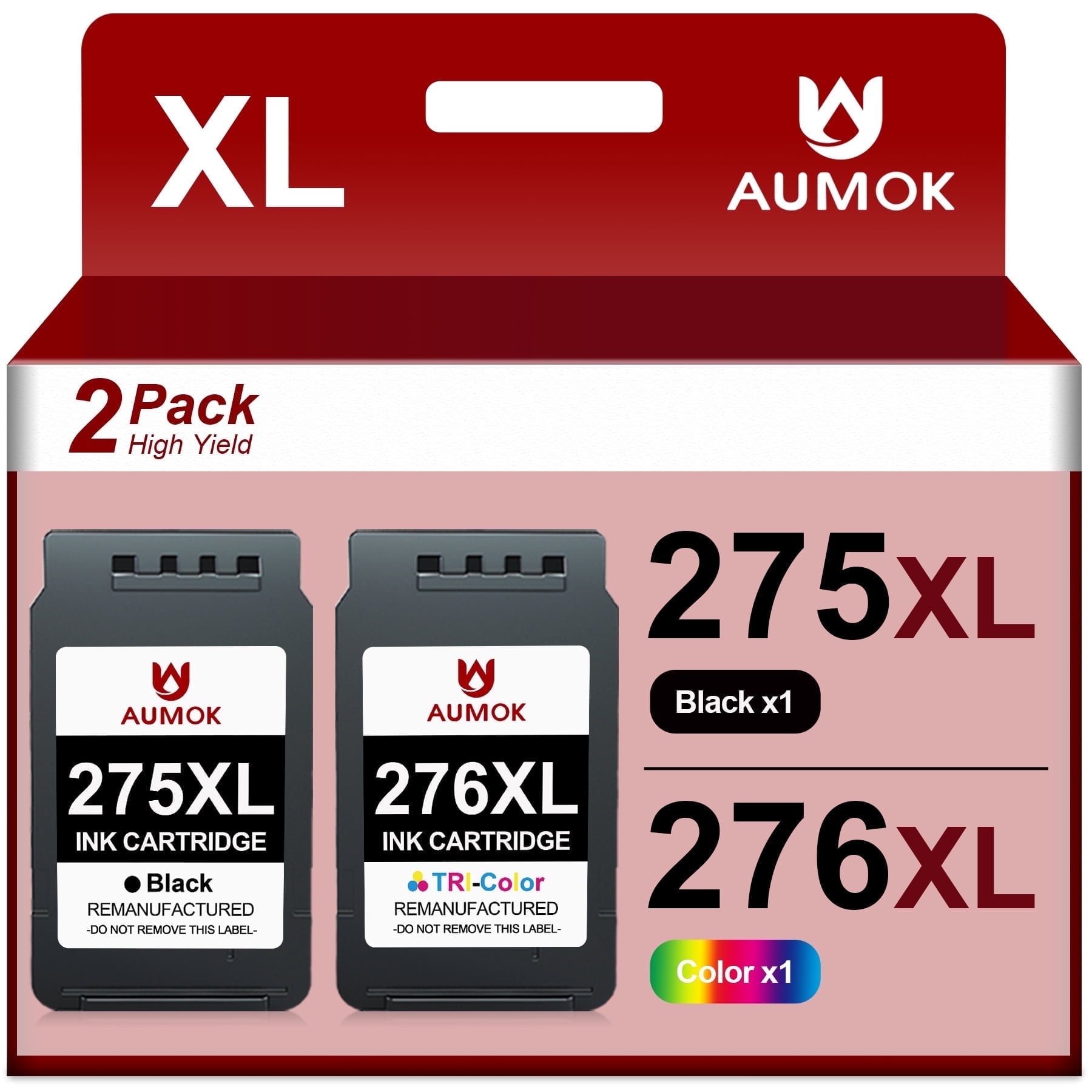
275 Ink Compatible Canon Ink 275 and 276 pg 275 black ink cartridges for PIXMA TS3722 TS3522 TR4722
Product details
| Management number | 238549317 | Release Date | 2026/07/11 | List Price | US$13.91 | Model Number | 238549317 | ||
|---|---|---|---|---|---|---|---|---|---|
| Category | |||||||||
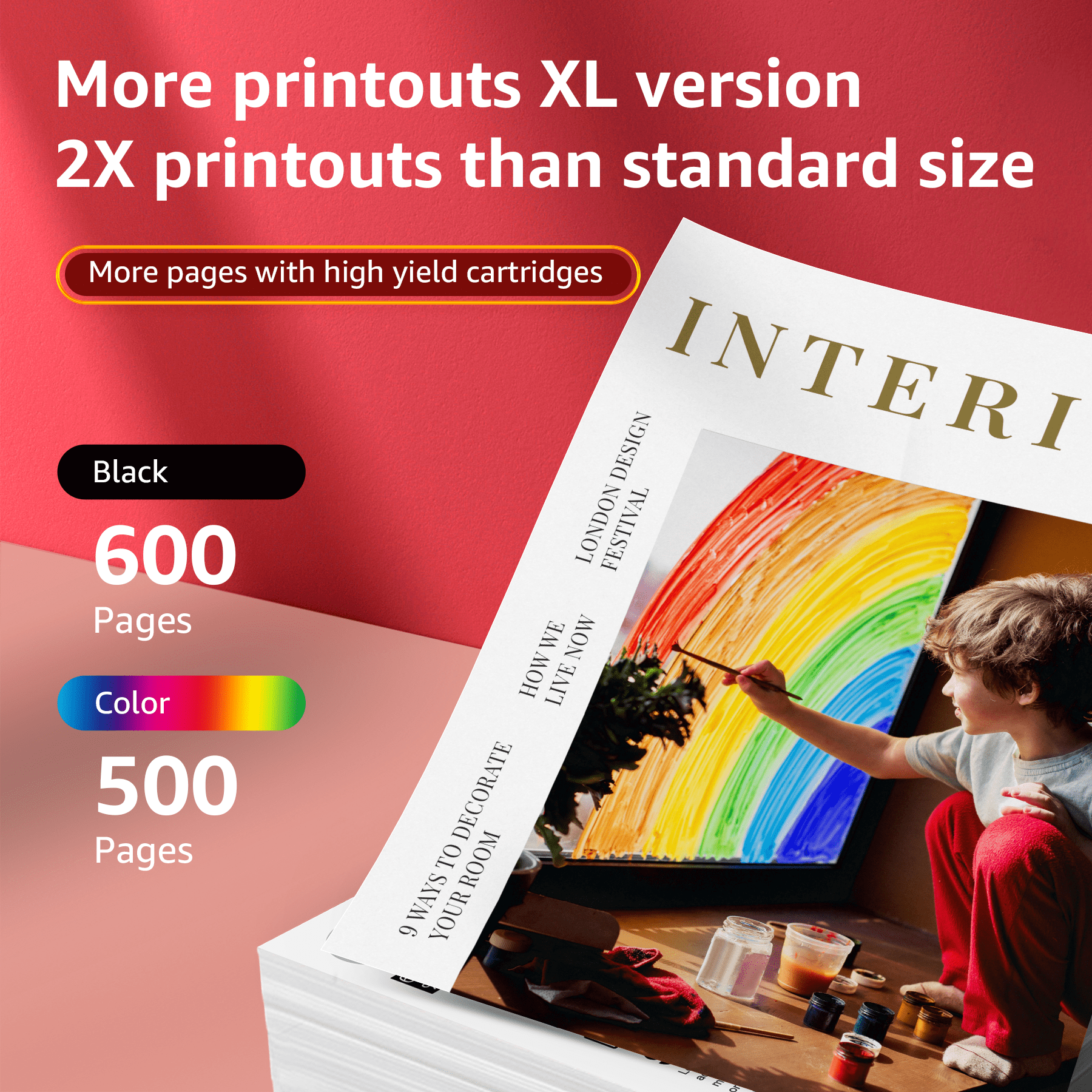
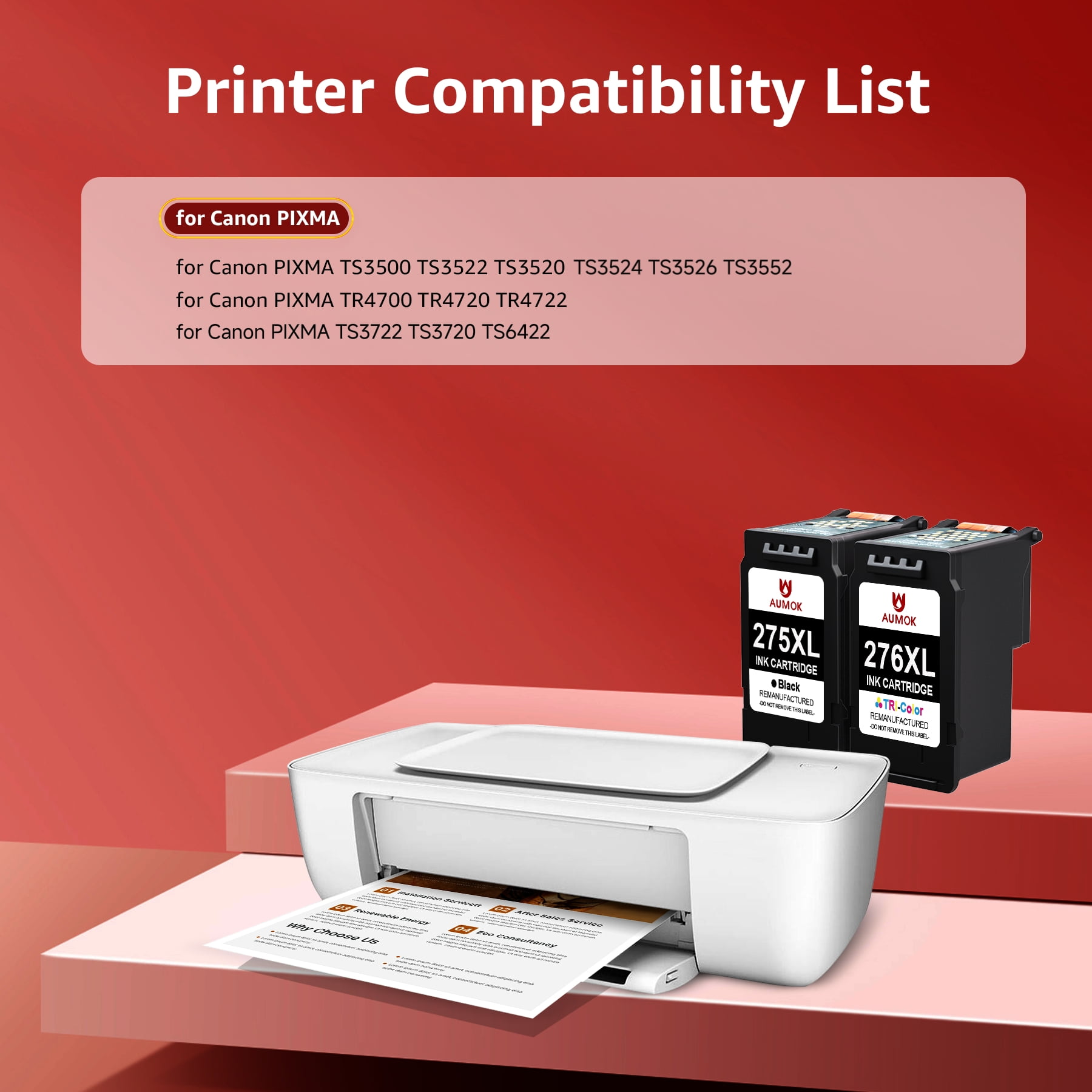
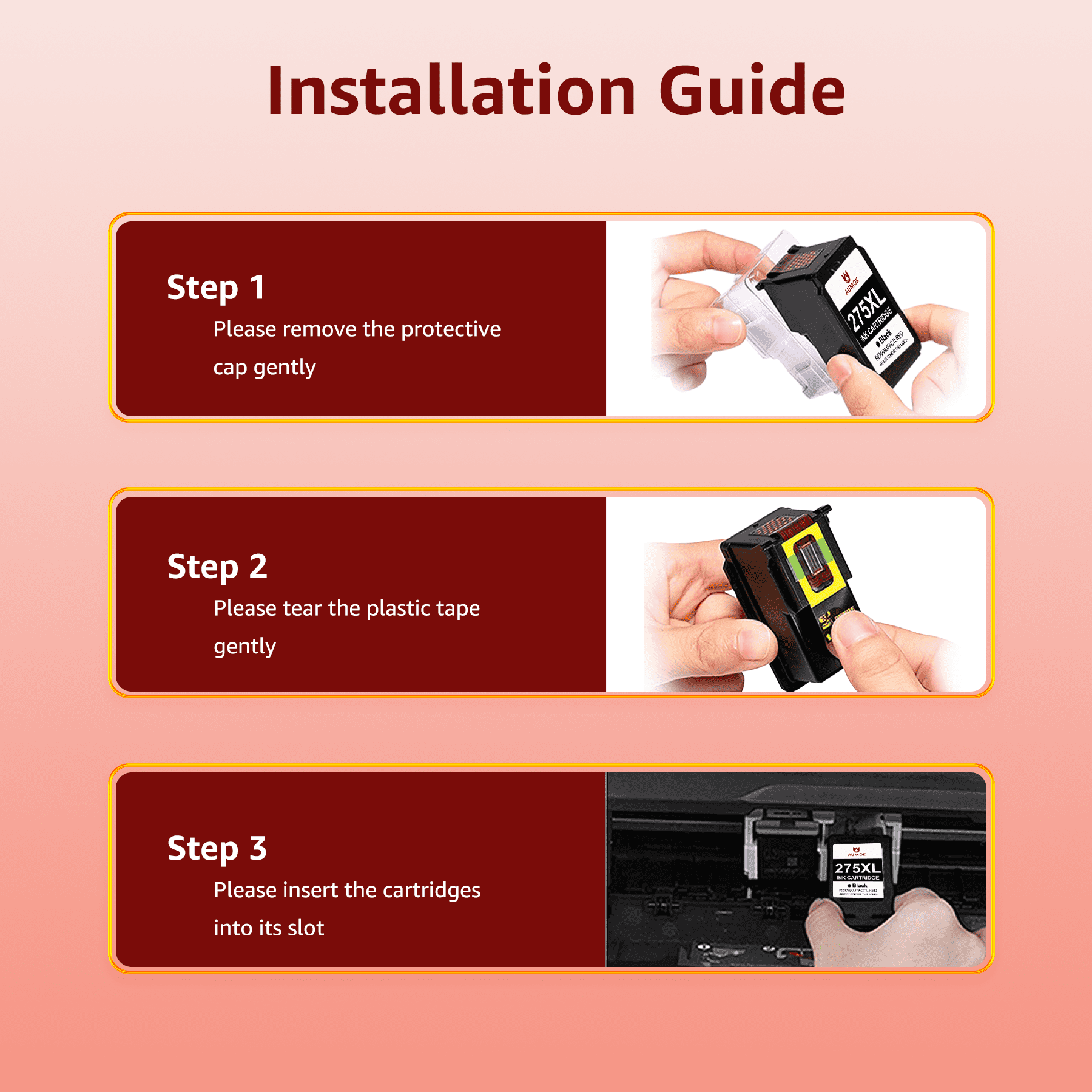
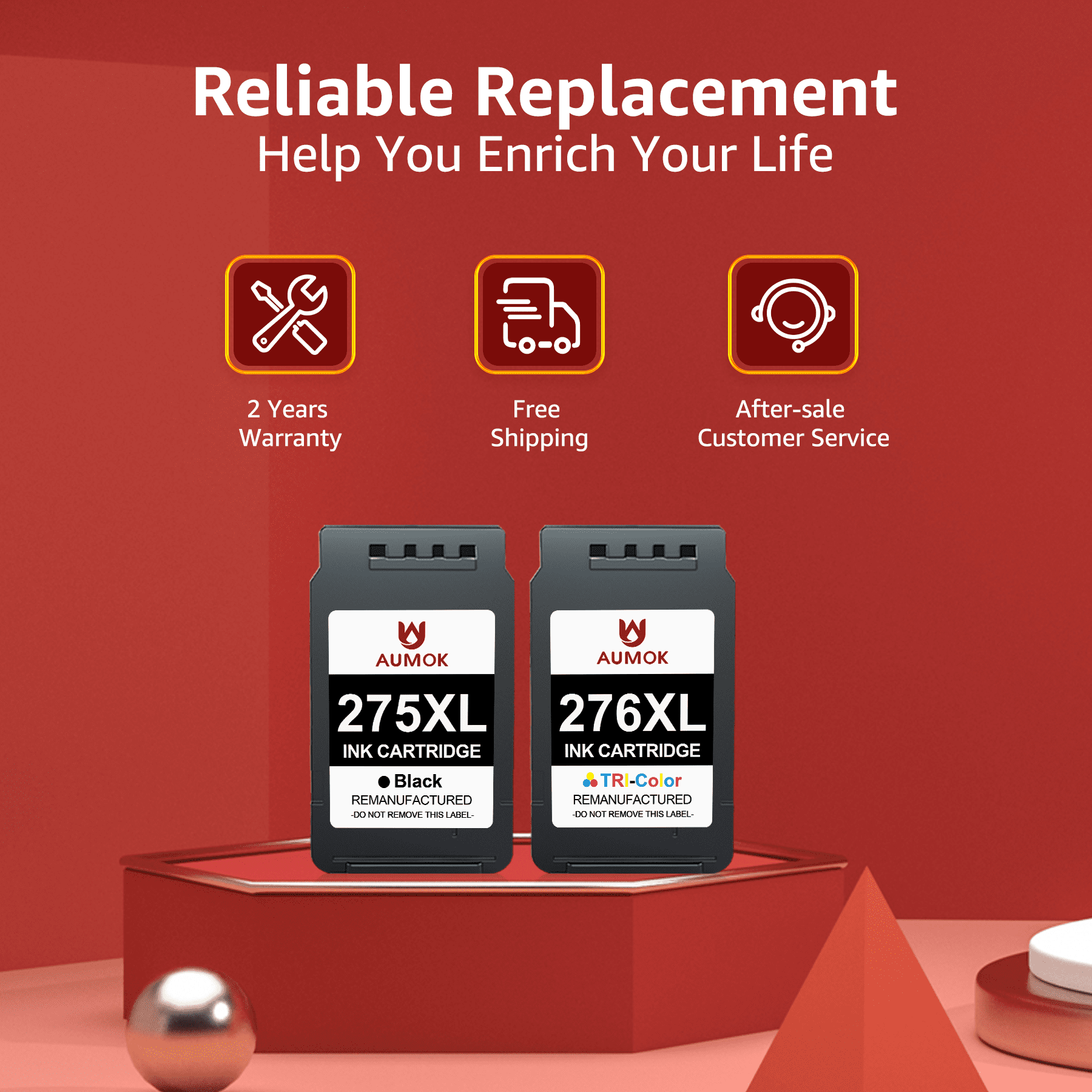
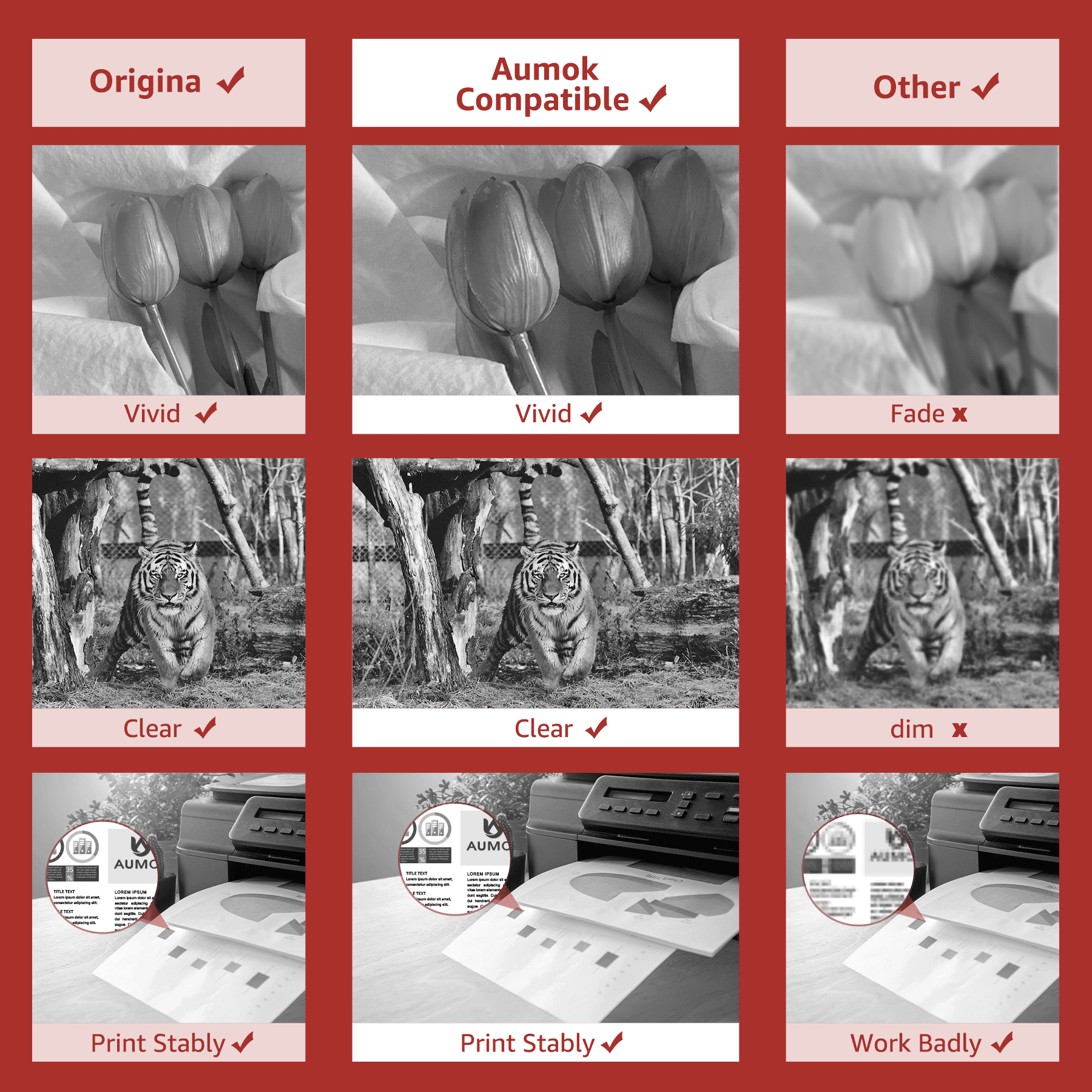
<p>🎁Package Contents: <br></p><p>1 x pg 275 black ink cartridge Compatible for canon 275xl ink cartridge, </p><p>1 x cl 276 ink cartridge tri-color Compatible for canon 276xl ink cartridge,</p><p>(This is not an OEM product)<br></p><p>2 pack 275 and 276 ink Compatible for Canon ink 275 and 276<br></p><p><br></p><p></p><p>🖨️Compatible Printers: </p><p>▶Canon PIXMA TS3722 Printer</p><p>▶Canon PIXMA TS3720 Printer </p><p>▶Canon PIXMA TS6422 Printer</p><p>▶Canon PIXMA TS3522 Printer</p><p>▶Canon PIXMA TS3520 Printer </p><p>▶Canon PIXMA TS3500 Printer</p><p>▶Canon PIXMA TR4720 Printer</p><p>▶Canon PIXMA TR4722 Printer </p><p>▶Canon PIXMA TR4700 Printer</p><p>▶Canon PIXMA TS3526 Printer</p><p>▶Canon PIXMA TS3524 Printer </p><p>▶Canon PIXMA TS3552 Printer<br></p><p><br></p><p>📃High Yield: </p><p>pg275XL black ink cartridge: 600 pages</p><p>276XL ink cartridge Tri-color: 500 pages </p><p>(Yields are based on ISO 24711 in default mode) </p><p>(Due to image pixels, settings and temperatures, yields may vary)</p><p><br></p><p>⚠️Canon 275 276 ink Installation instructions:</p><p>Step 1: Remove plastic protective cap.</p><p>Step 2: Remove the plastic protective tape.</p><p>Step 3: Insert canon printer ink 275 276 into its color-coded slot, making sure it is securely seated.</p><p>Note: DO NOT Touch and Remove the chip & DO NOT Touch the ink nozzles.</p><p></p><p></p><p></p><p></p><p><br></p><p>👍Update Chip: </p><p>The latest chips are installed, and the quality of the chips is rigorously checked to ensure higher compatibility.</p><p><br></p><p>⚠️Warm Tips:</p><p>⭐If the printer display errors like "One or more cartridges are missing or damaged", please take off the cartridge and reinstall it to try again.</p><p>⭐If prints come with fading color or broken line, please try to perform the printhead cleaning setting in the printer once or twice.</p><p>⭐If ink cartridges are not being recognized by the printer, please take out the cartridges and use the eraser to clean chips softly, restart the printer and insert the cartridges back. Please avoid touching the chips with hands.</p><p>⭐If you have any questions, please don't hesitate to contact us directly. A satisfactory service is promised.</p><p><br></p><p>🚚Worry-free shopping: </p><p>24 Month warranty and free exchange for defective 275xl 276xl ink cartridge combo pack. </p><p>Please feel free to contact us if have any questions, our professional after-sales team will serve for you</p><p><br></p><p>👍High capacity 275XL 276XL ink cartridge compatible with Canon pixma ts3522 ink printers, make you print clear text without worrying high cost. XL capacity brings twice more printing pages and the smooth ink will never block the print head. With the latest upgraded chip version, we can achieve 100% compatibility and perfectly extend printer life.Of course, with a two-year warranty and 24-hour customer service, you‘ll never worry about after-sales issues.Please confirm your printer model before ordering.</p>
- Name: high yield 275 276 ink cartridge for Canon ink 275 and 276
- 🛒Contents: 1 x PG 275 XL black ink cartridge / 1 x CL 276 XL color ink cartridge
- Page Yield: pg 275 black ink cartridge is 600 pages per cartridge / cl 276 color ink cartridge is 500 pages per cartridge
- Printer Compatibility: Canon PIXMA TS3722 / TS3720 Printer; Canon PIXMA TR4722 / TR4720 / TR4700 Printer; Canon PIXMA TS3522 / TS3520 / TS3500 Printer; Canon PIXMA TS3526 / TS3524 / TS3552 / TS6422 Printer
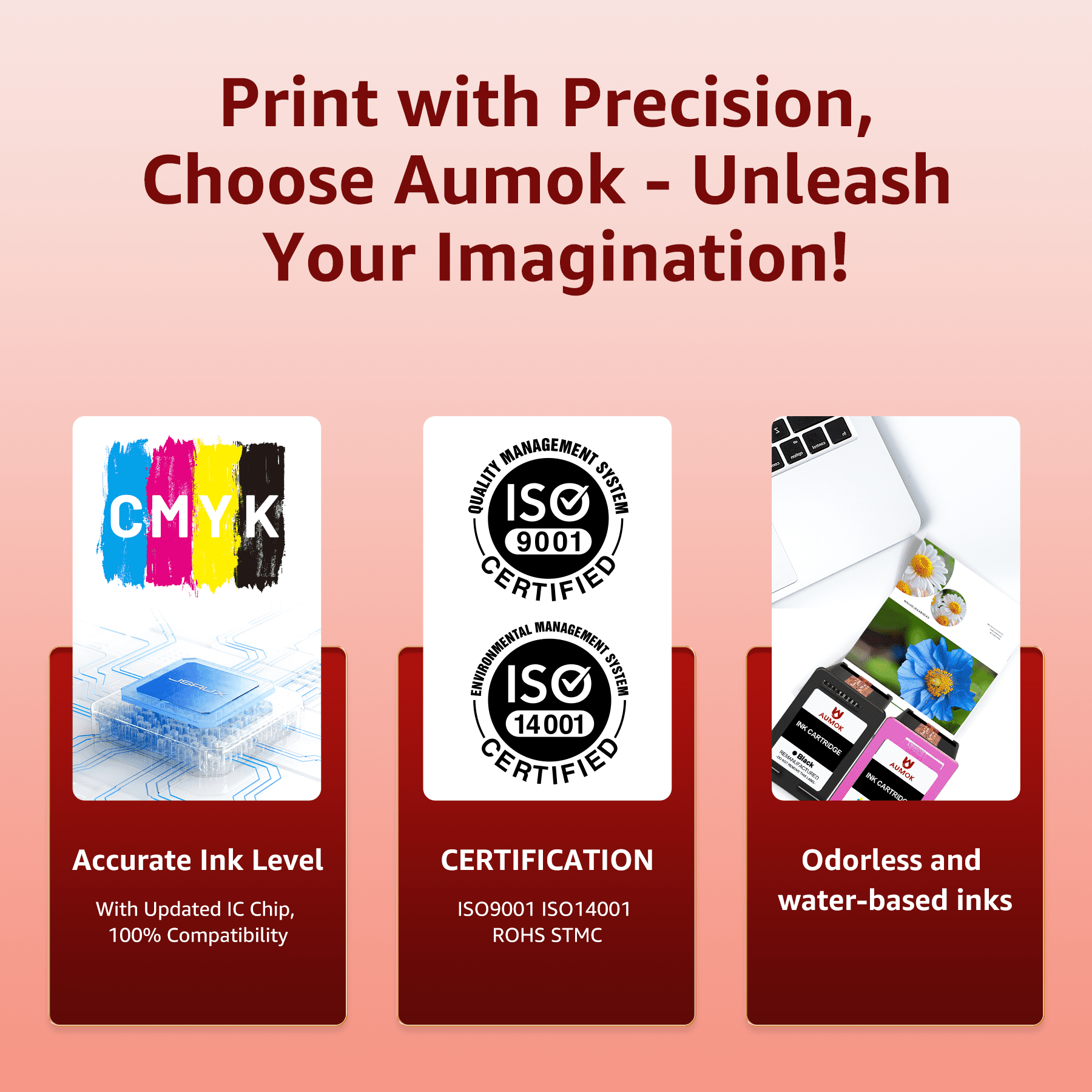
- ⭐Smart Chip: shows accurate ink level and protect printer nozzle
- ⭐Great Value: lager capacity and save more money
- ❤️Perfect Service: 24 months warranty and ship within 12Hs
- ❤️Attention: please confirm your printer model before ordering
| Ink color | pg 275 black cl 276 color |
|---|---|
| Ink refill code | PG-275XL/CL-276XL |
| Maximum page yield | 600 |
| Minimum page yield | 450 |
| Count per pack | 2 |
| Compatibility | Compatible for canon ink 275 and 276 |
| Printer cartridge page yield | 500 |
| Items included | 1 PG 275 XL black ink cartridge 1 x CL 276 XL color ink cartridge |
| Printer cartridge type | Tri-Color |
| Brand | AUMOK |

Bestseller ranking
Gluten Free


![The Diabetic Sourdough Cookbook: Gluten-Free, Flavorful, Easy, and Delicious Low-Glycemic Recipes for Healthy Blood Sugar [Print Replica] Kindle Edition](https://m.media-amazon.com/images/I/81Rk-ElTGVL._SL1500_.jpg)
Customers who viewed this product also viewed
Messenger Bags



Correction of product information
If you notice any omissions or errors in the product information on this page, please use the correction request form below.
Correction Request Form