
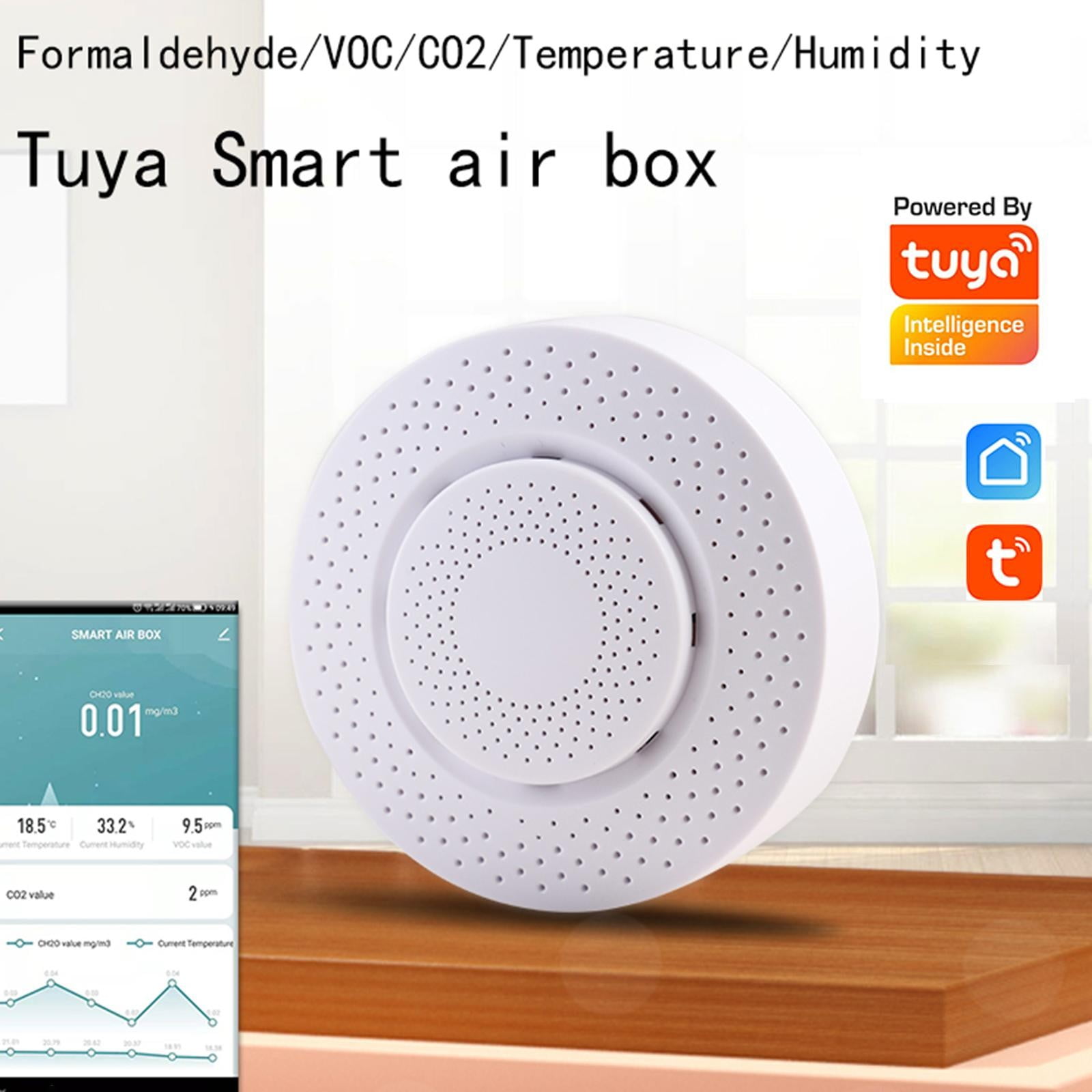
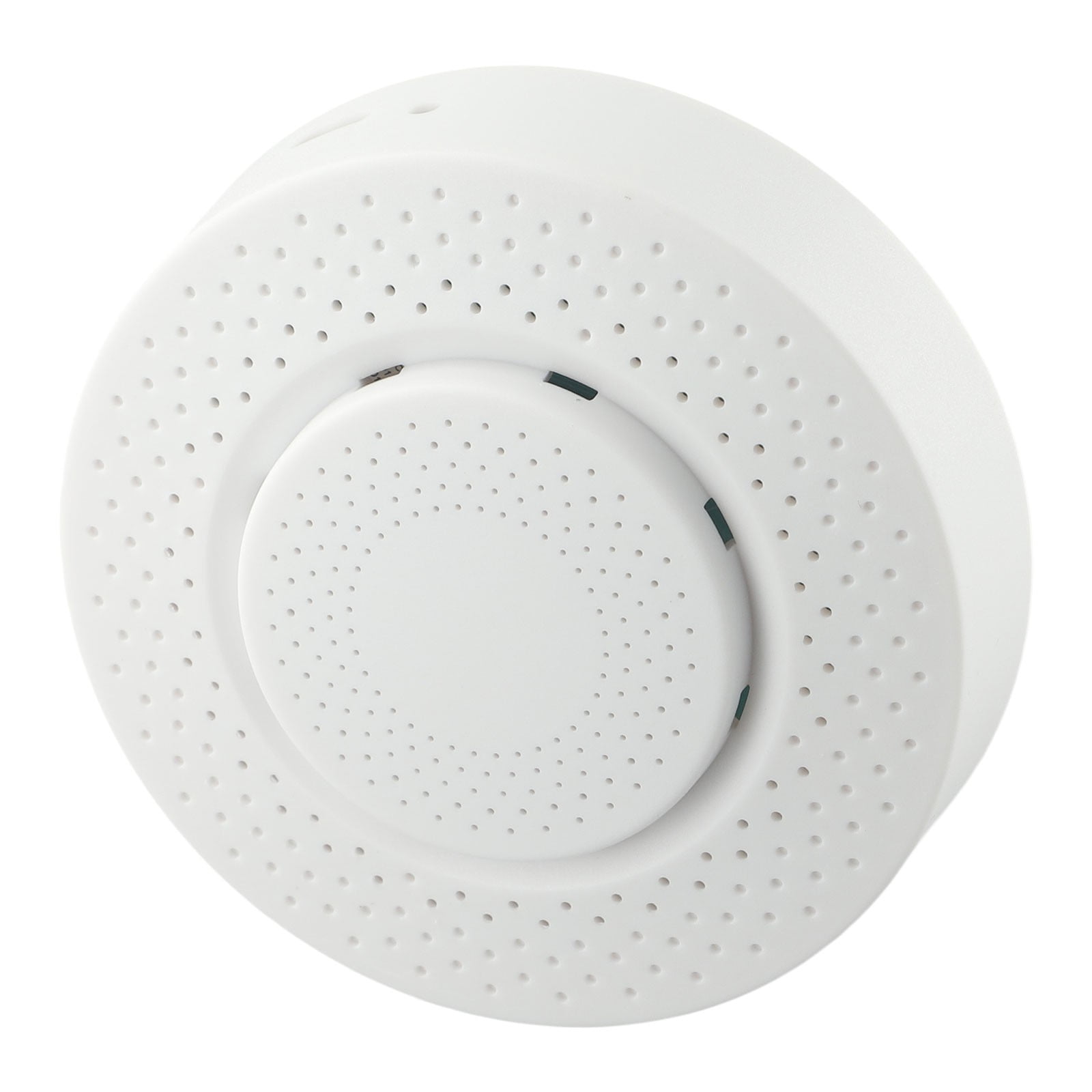
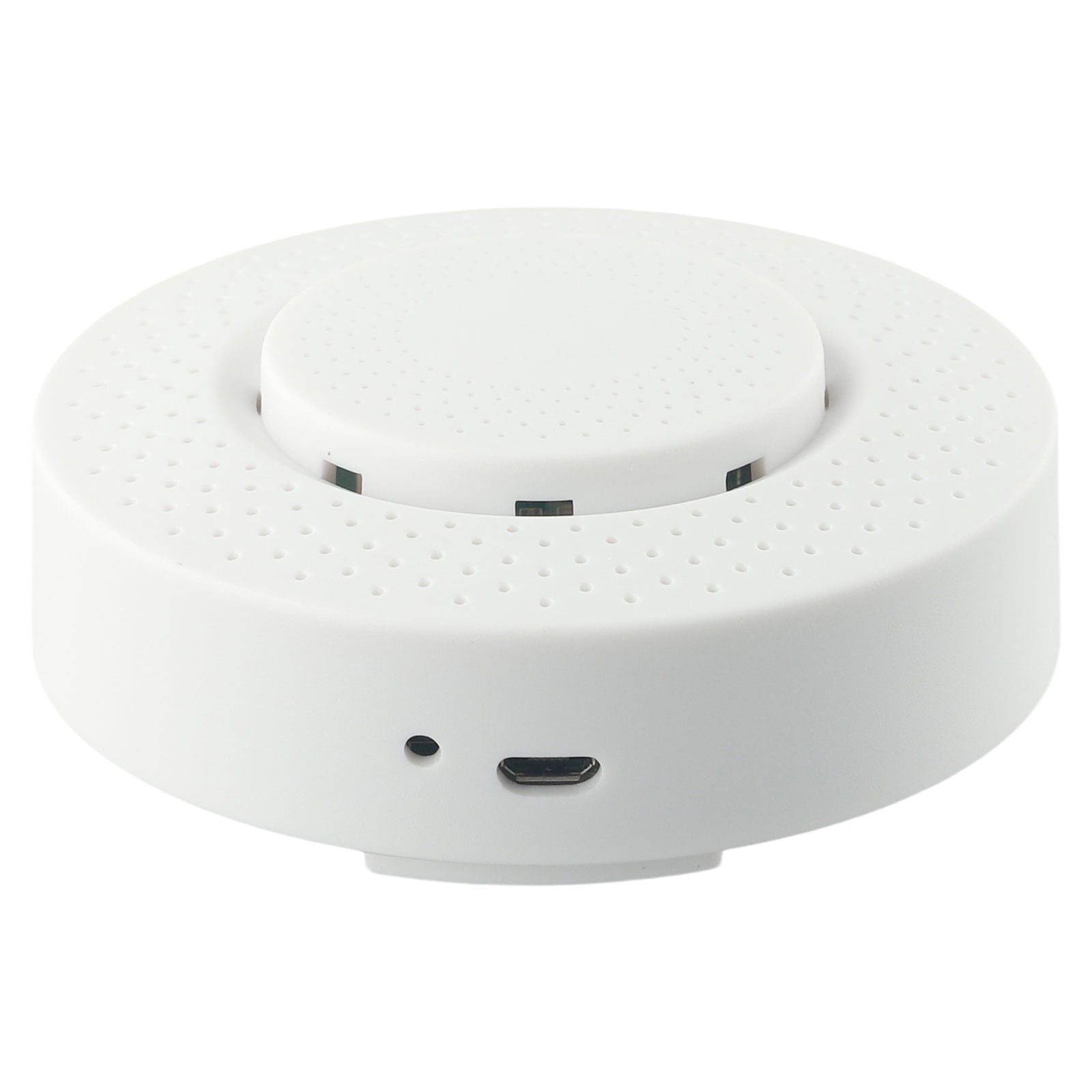
CHENGSI for Tuya Smart 6-in-1 Air Quality Detector for wifi Compatible - Monitors PM2.5 Formaldehyde VOC Temperature Humidity - USB Powered Environmental Sensor for Home Office
Product details
| Management number | 230849957 | Release Date | 2026/06/18 | List Price | US$10.37 | Model Number | 230849957 | ||
|---|---|---|---|---|---|---|---|---|---|
| Category | |||||||||
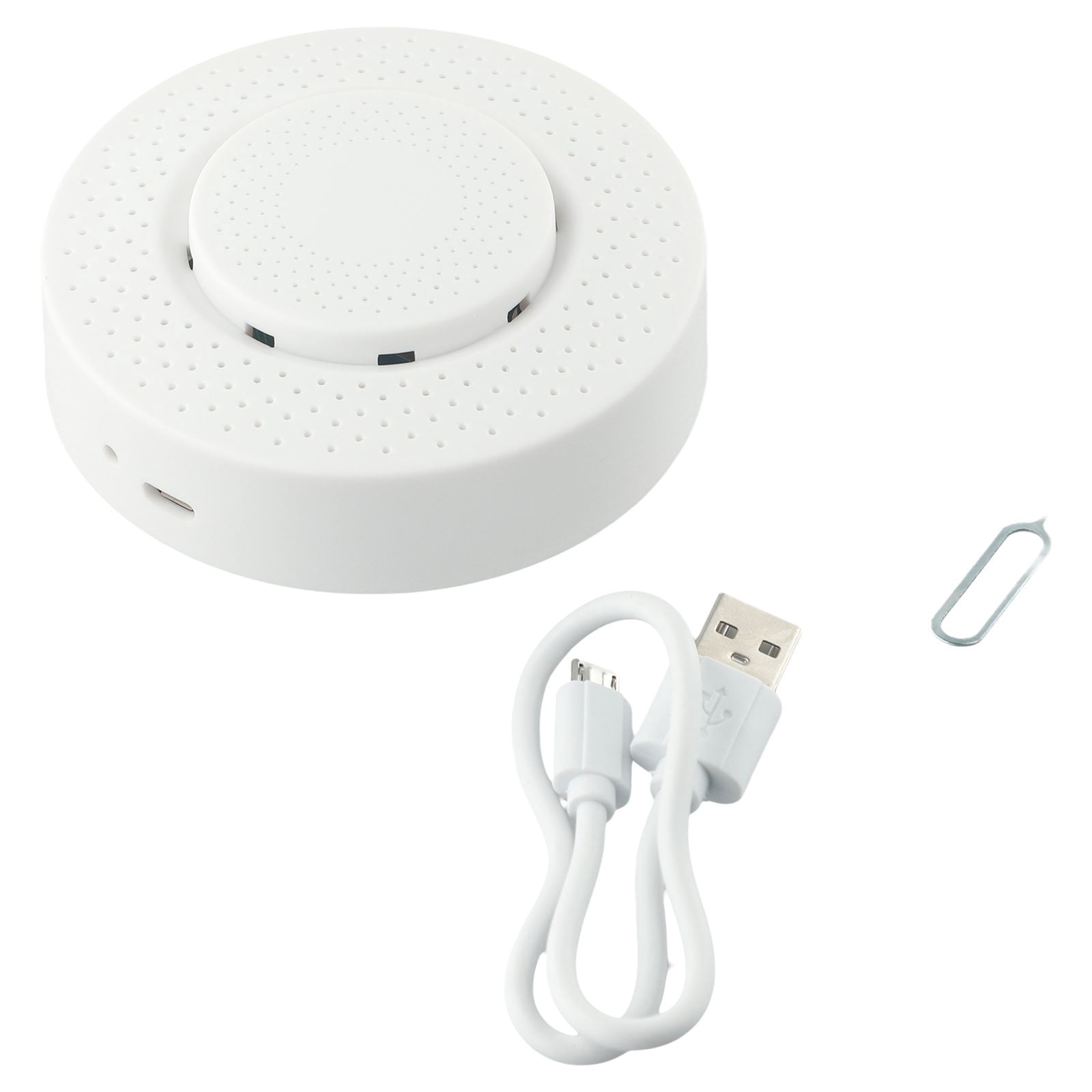
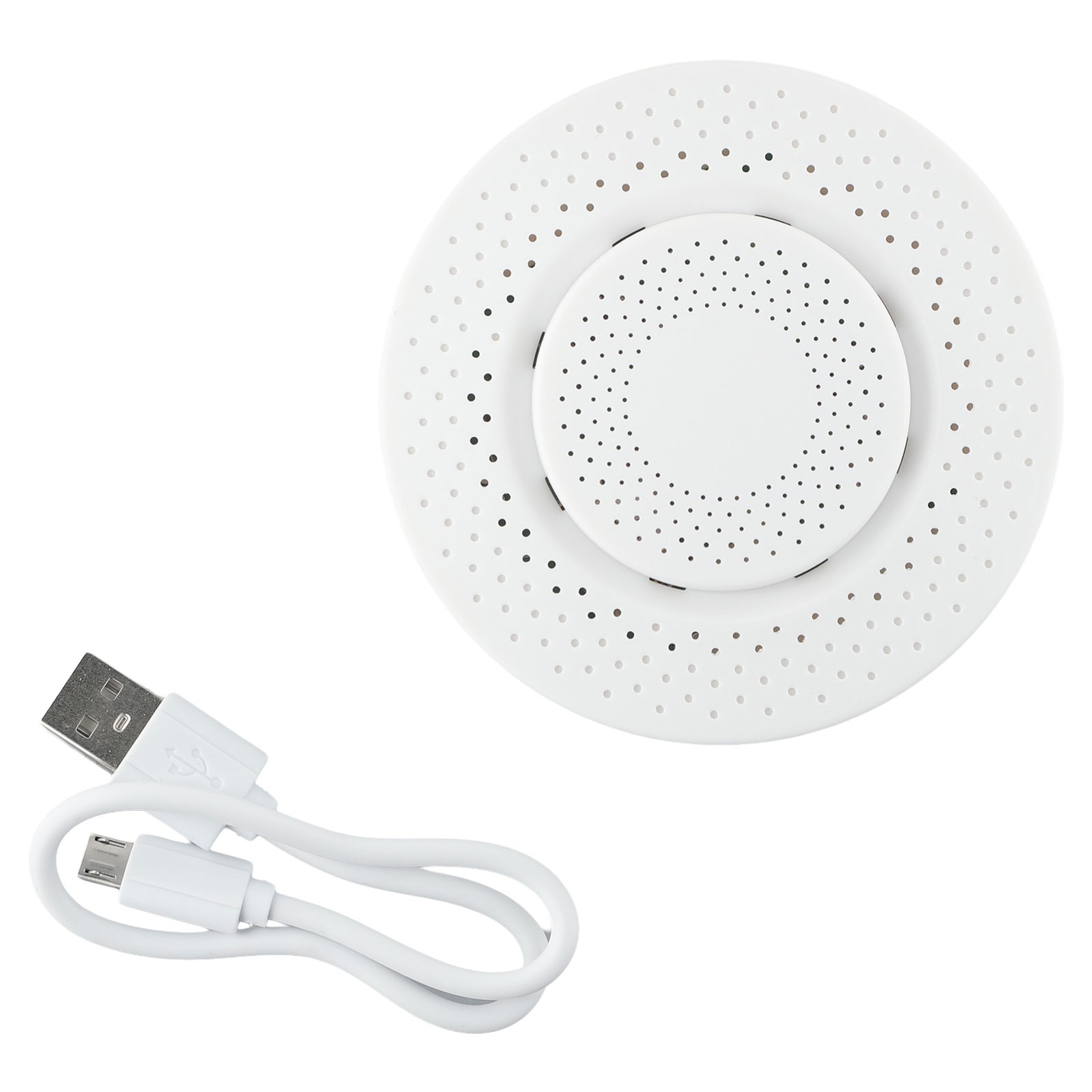
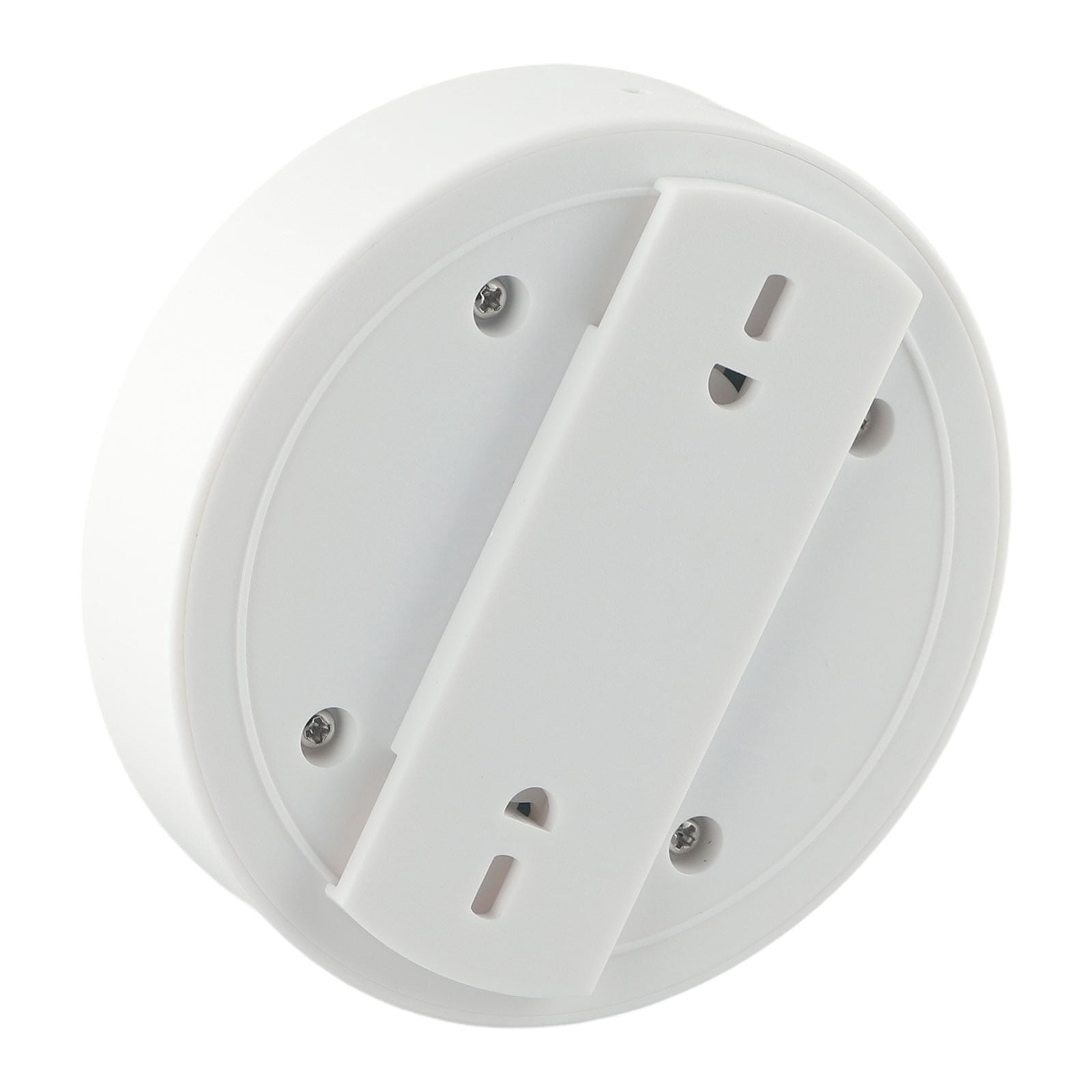
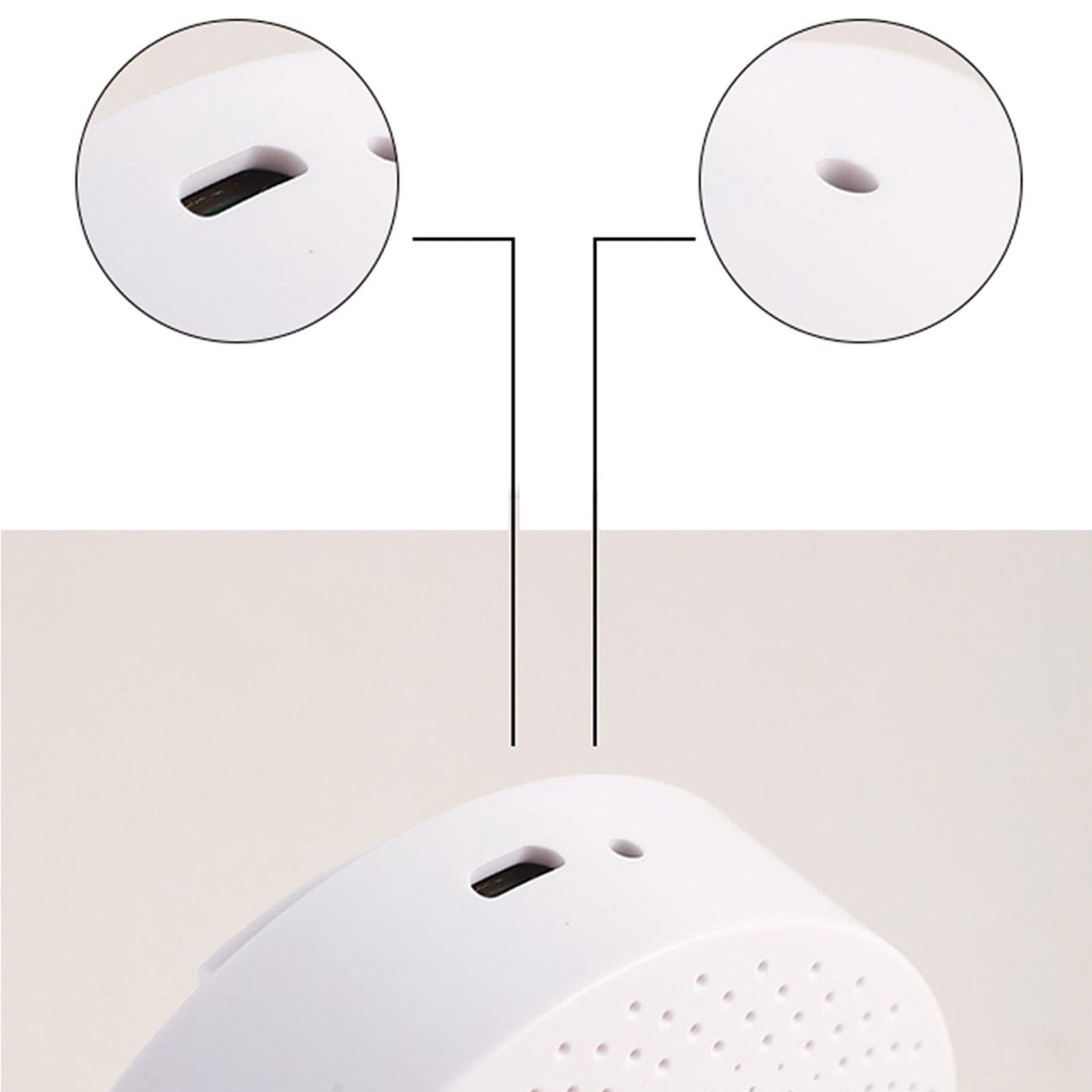
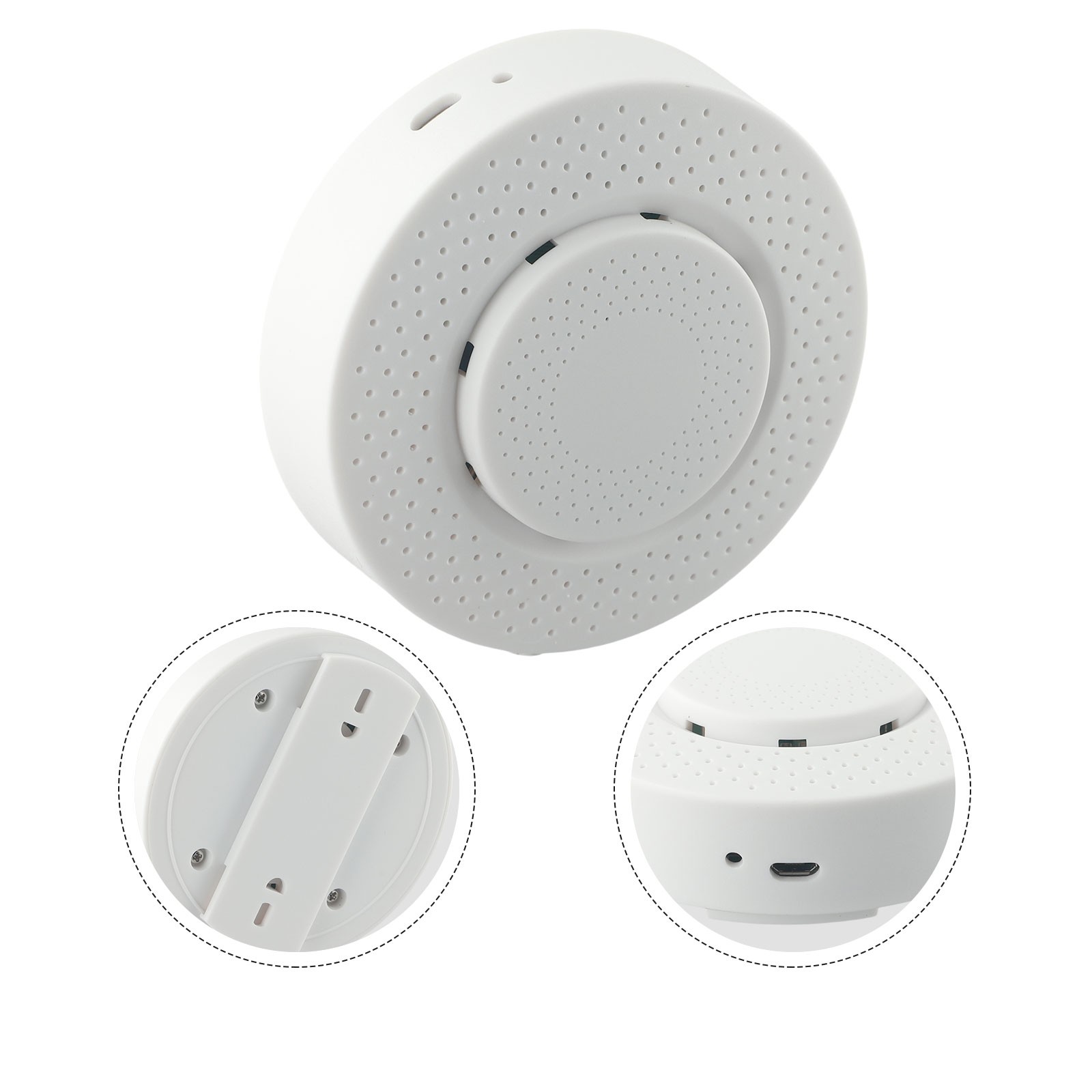
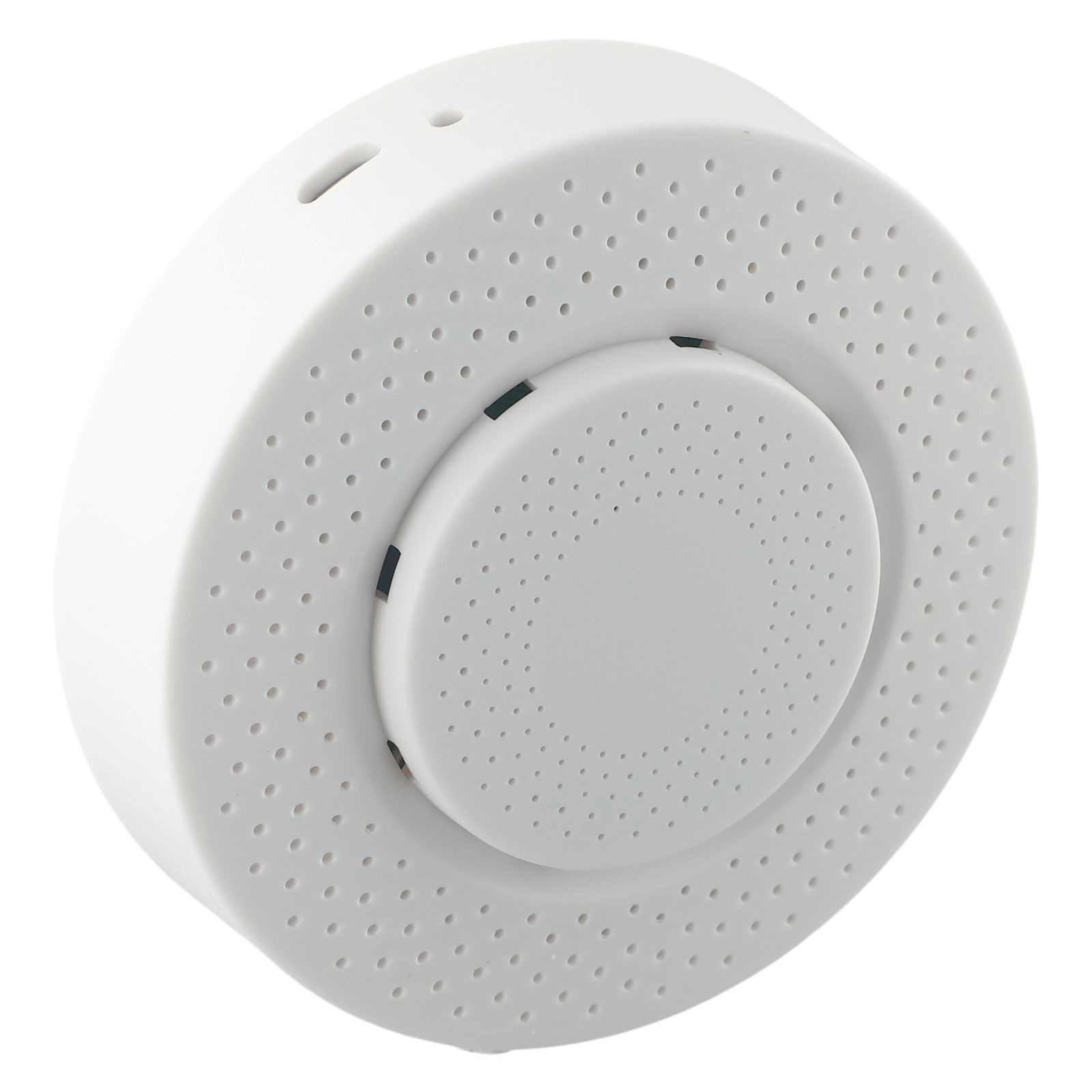
<p>Features:</p><p>*</p><p>This product must be used in conjunction with the for Tuya for ZigBee!(for ZigBee model, wifi model not required)</p><p><br></p><p>for Smart is the home of for Smart devices for remote monitoring of the environment.</p><p><br></p><p>It can also detect 4 environmental parameters: formaldehyde,, temperature and humidity, and scribble in the environmental parameters automatically overpriced for Smart home conditioners, new conditioners, humidifiers and purifiers to optimize the human living environment. Note: Please do not place the wind room for a long time in places with too dark light, strong convection or high concentration of organic gases, otherwise it will</p><p><br></p><p>damage the sensor.</p><p><br></p><p>After the other devices in the room(e.g. conditioners, fresh units, purifiers, humidifiers, etc.) have reached the preset threshold for automatic control, the automation function is achieved through the for Doodle Indoor Energy Saving APP.</p><p><br></p><p>1. Click the"for Smart" button at the bottom of the APP home page to enter the for Smart Scene interface, click the button at the top of Automation, and then click"for Smart Interface Settings".</p><p><br></p><p>2. Click on the"" button to create an intelligent automation configuration, set the conditions, and in the"Device Status Change" option, select the intelligent economy and choose the trigger conditions for the environment parameters, formaldehyde, carbon dioxide, temperature, humidity. humidity, for a total of four items.</p><p><br></p><p>3. Select the parameter threshold, less than or greater than 3 model conditions, set it up and select next.</p><p><br></p><p>4. Create a task set, select the operating device and choose a control device from the device list, such as a lamp, curtain, conditioner, fresh unit, humidifier,, etc. Select the specific to be controlled on the device function screen, such as on, off, time or other. Then select the next step.</p><p><br></p><p>5. Edit the automation name, select the effective time automation effect and immediately click on the Save-Enable button and the automation is set up successfully. The air Detector will automatically control the device when it detects that the environmental parameters are default values. The air Detector can be set up with several intelligent control automation devices at the same time.</p><p><br></p><p><br></p><p><br></p><p>Functional features.</p><p><br></p><p>Operating temperature:-20-85°C</p><p><br></p><p>Operating voltage: 5V</p><p><br></p><p>Working current: 10-496mA</p><p><br></p><p>Size: 100*100*40mm</p><p><br></p><p>Power supply mode. USB 5V/1A</p><p><br></p><p>Communication protocol. for ZigBee</p><p><br></p><p>White</p><p><br></p><p>Body material ABS material</p><p><br></p><p>Weight: 95 g</p><p><br></p><p>Range(Formaldehyde). 0-10.00 mg/m3</p><p><br></p><p>Range(). 0-99.9ppm</p><p><br></p><p>Range(). 0-1000ppm</p><p><br></p><p>Range(Temperature). 0-60°C</p><p><br></p><p>Range(Humidity). 0-95%</p><p><br></p><p><br></p><p><br></p><p><br></p><p><br></p><p>Package includes</p><p><br></p><p>Air box X1</p><p>Instructions for use X1</p><p>USB power cable X1</p><p><br></p><p>Caution.</p><p>This product must be used with a for ZigBee!</p><p><br></p><p><br></p><p><br></p><p><br></p><p>Note:</p><p>1. The real color of the item may be slightly different from the pictures shown on website caused by many factors such as brightness of your monitor and light brightness.</p><p>2. Please allow slight manual measurement deviation for the data.</p><p><br></p>
- 【 for Tuya for zigbee Connectivity】This air detector requires a for Tuya for zigbee for gateway for operation, seamless integration with your smart home system. With for zigbee connectivity, it offers fast and stable connection.
- 【Multiple Environmental Parameters】The for smart air is capable of detecting four key environmental parameters: formaldehyde, , temperature, and humidity. This comprehensive monitoring provides valuable insights into the air quality of your living environment.
- 【Optimize Living Environment】By automatically detecting and monitoring air parameters, this device helps optimize the performance of for smart home air conditioners, new air conditioners, humidifiers, and air purifiers. It ensures a healthier and more comfortable living environment.
- 【Remote Monitoring】With the for Tuya app, you can remotely monitor the air quality parameters from anywhere. Stay informed about the formaldehyde level, concentration, temperature, and humidity in your home, and take necessary actions for a healthier living space.
- 【 for Smart Integration】This air detector seamlessly integrates with your existing for Tuya smart home system, allowing you to control and manage multiple devices through a single app. Enjoy the convenience and efficiency brought by a truly smart and connected home.
| Brand | Chengsi |
|---|---|
| Rec. use | Office |
| Features | Powered |
| Humidity range | 0-95% |
| Maximum input voltage | 5 V |
| Material | ABS |
| Has written warranty | No |
| Assembled product weight | 95 g |
| Amps | 1 Amps |
| Connector type | USB |
Bestseller ranking
Aboriginal & Torres Strait Islanders

Customers who viewed this product also viewed
Uncategorized




Correction of product information
If you notice any omissions or errors in the product information on this page, please use the correction request form below.
Correction Request Form